 Voluntime
Volunteer hour tracking for school clubs
Voluntime lets students log service hours and club advisors review and approve them. Advisors can download approved hours for reporting at the end of a term or school year.
Start a club organizationFree · Web, iPhone, and iPad
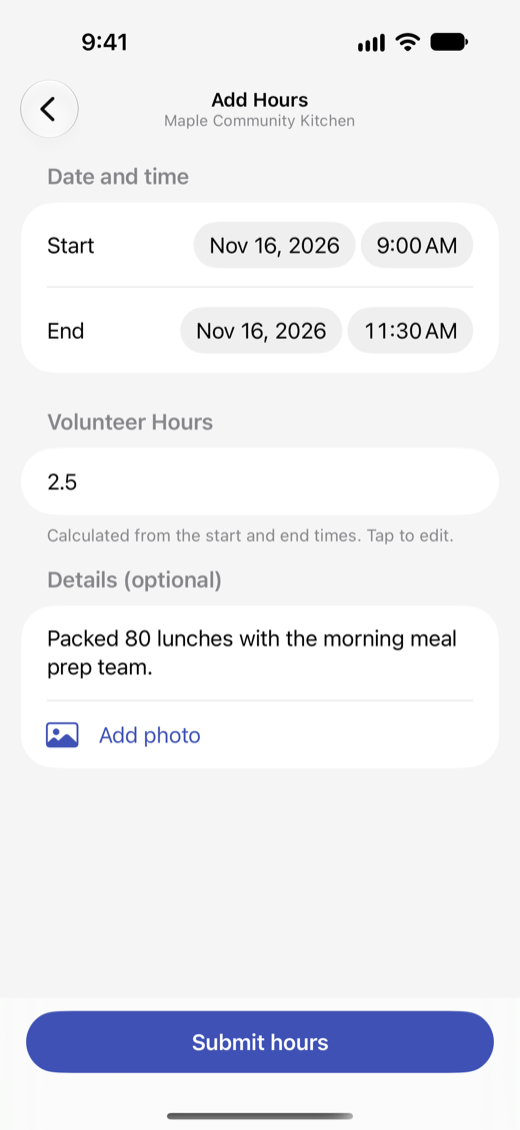
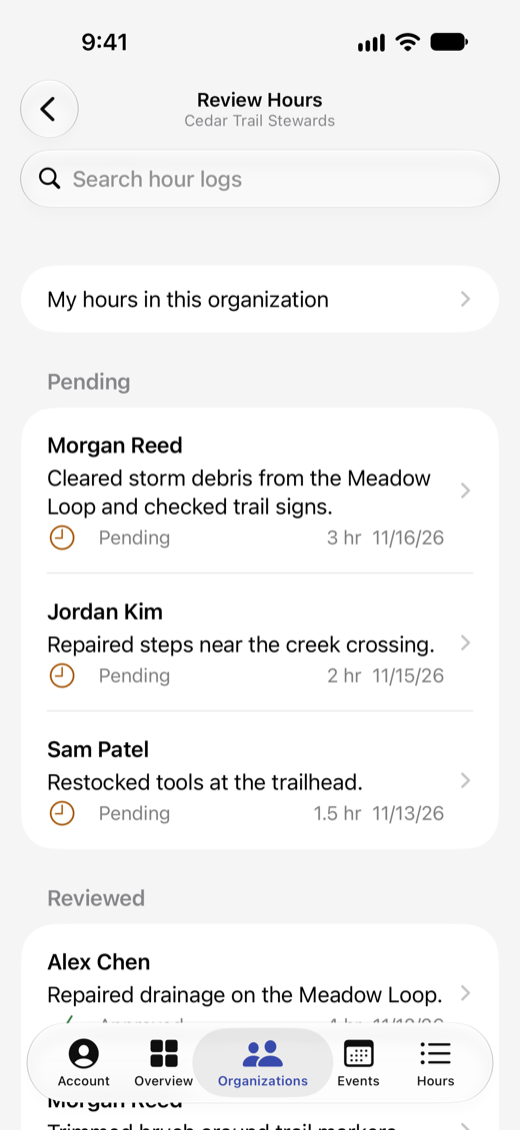
From student submissions to approved records
Invite your club
Create an organization for your club and share its invite link with students. Make the advisor an organization administrator if they need to review hours.
Have students log service
Students enter when they volunteered, how many hours they worked, and what they did. They can check their log status and view approved totals for the school year.
Review hours and export
Organization owners and administrators can approve or decline submissions. In the web app, open the organization’s View Hours page, select Export, and turn on Show All Members to download the club’s approved logs.
What’s in the school club export?
The CSV contains the volunteer’s name, hours, start and end times, approver, and activity description. Open it in a spreadsheet to filter by term or total hours by student. Pending and declined entries are excluded.
Download a sample approved-hours CSV