 Voluntime
Volunteer hour tracking for nonprofits
Collect volunteer hours, approve submissions, and see how much time your team contributed during a reporting period. Export the approved records when you need a breakdown for your board or a grant report.
Start a nonprofit organizationFree · Web, iPhone, and iPad
Prepare your volunteer hours report
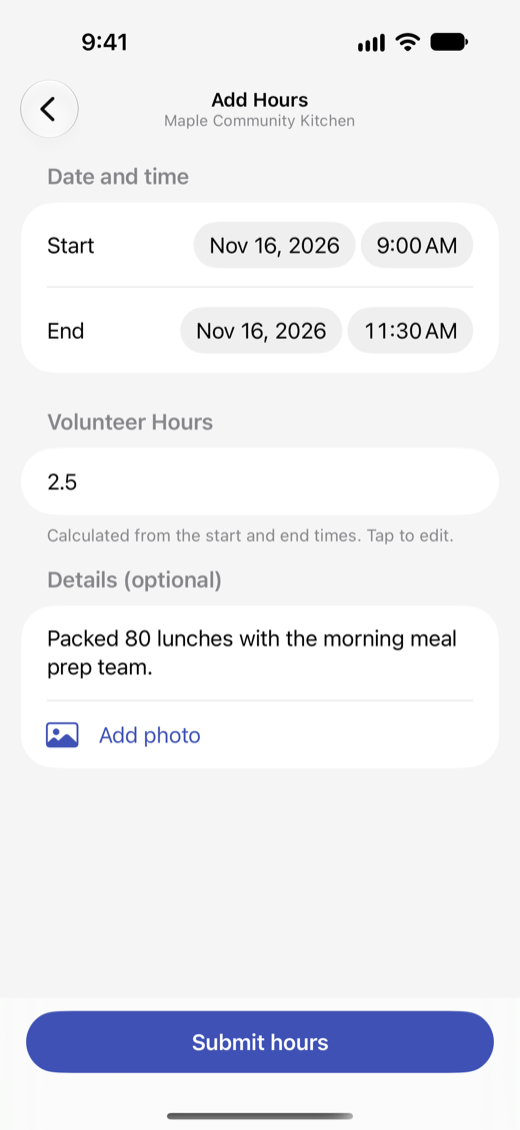
Collect hours as work happens
Share your organization’s invite link with volunteers. Ask them to name the activity or program in each submission so you can group the records later.
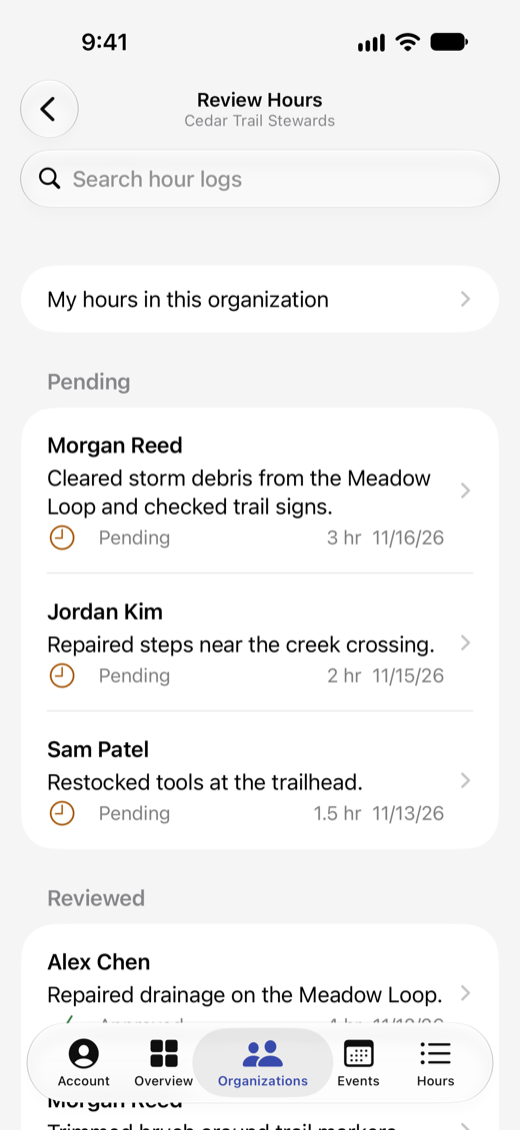
Close out the reporting period
Have an organization owner or administrator review pending submissions. In the organization’s Metrics view, choose a reporting period to see the total approved hours.
Build the breakdown
On the web, open View Hours, select Export, and turn on Show All Members. Download the approved logs, then filter the CSV by date and group it by activity or volunteer in your spreadsheet.
What can you share with your board?
Use the approved-hours total for the period and keep the CSV as a supporting record. The file includes the volunteer, duration, timestamps, approver, and activity description.
Download a sample approved-hours CSV